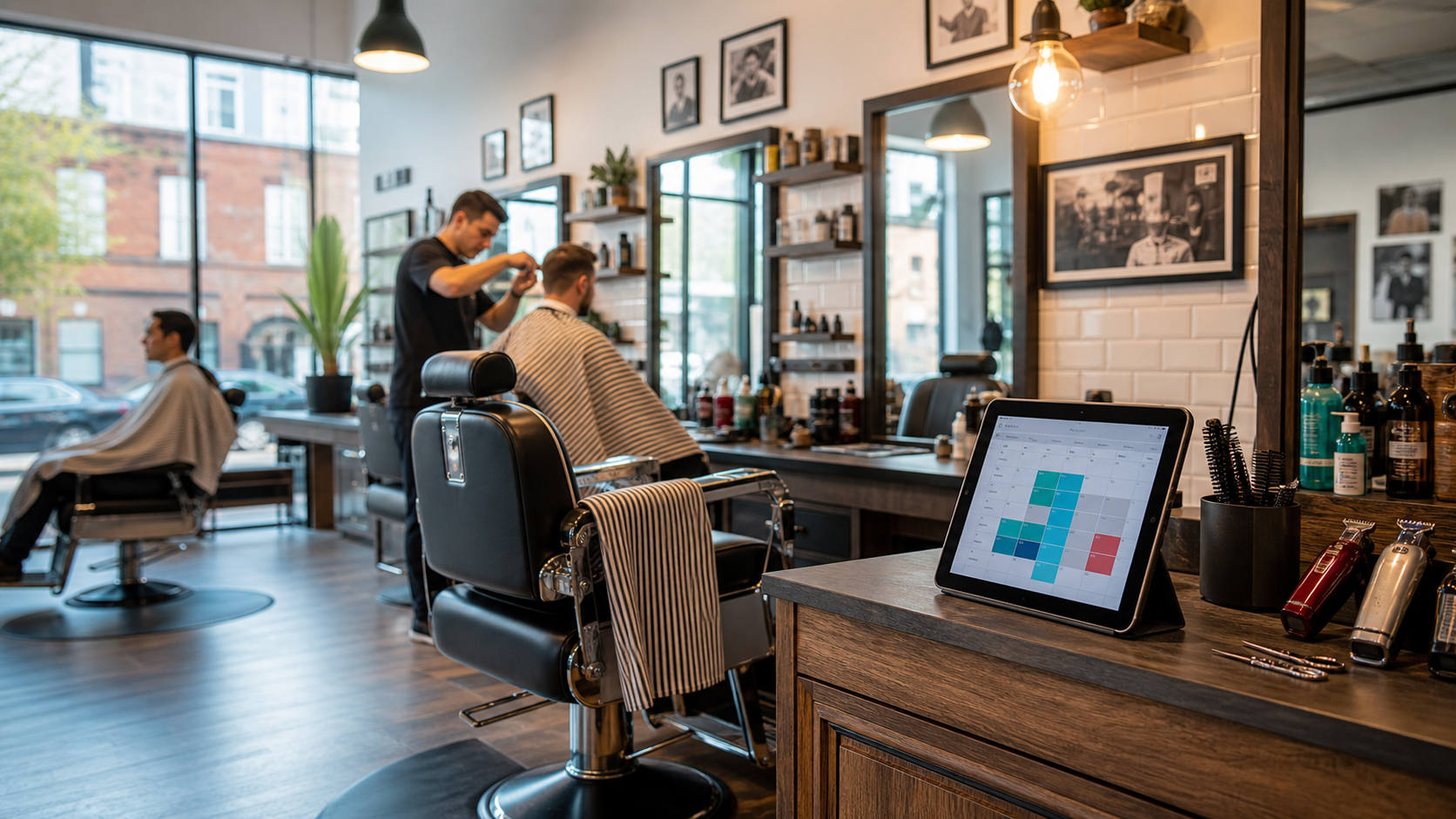
Online Booking System for Barber Shops
An online booking system for barber shops helps clients book haircuts and beard trims, reduces messages, and keeps busy calendars organised.
On this page
An online booking system for barber shops gives clients a simple way to book haircuts, beard trims, shaves, and grooming services without calling or sending a message. It also helps the shop owner and barbers keep the day organised, especially when walk-ins, regular clients, and busy weekends all meet at once.
A barber shop can feel calm at 10am and completely full by lunchtime. Clients ask for their usual barber, someone wants a quick beard trim, another person needs to move an appointment, and the phone keeps ringing while staff are cutting hair. Online booking does not remove the personal feel of a barber shop. It supports it by taking care of the simple admin in the background.
Where barber shop bookings get complicated
Barber shops run on timing. A skin fade may need more time than a basic trim. A haircut and beard combo may need a longer slot. A regular client may only want a quick tidy-up. When every service has a clear time and price, clients know what they are booking and barbers can plan the day properly.
With online booking, clients can choose:
- Haircuts
- Beard trims
- Hot towel shaves
- Kids' cuts
- Haircut and beard packages
- Their preferred barber, if staff booking is enabled
- A time that is actually available
This reduces confusion before the client arrives. It also helps the team avoid squeezing too much into one hour and falling behind for the rest of the day.
Let people choose the right barber shop time
Many clients remember they need a haircut after work, late at night, or on a Sunday evening before a busy week. If your shop only takes bookings by phone or social messages, those clients may have to wait until you are open.
Online booking lets clients book 24/7 from their phone. They can see open times, choose a service, check the price, and confirm the appointment without waiting for a reply. This is helpful for regular clients who already know what they want and just need a quick way to get on the calendar.
It also helps new clients. If someone finds your barber shop online, they can book straight away instead of leaving your page to call later.
Reduce admin around chair time, preferred barbers, and weekend rushes
Barbers need focus. Answering the phone during a haircut breaks concentration and slows the shop down. Messages can also pile up during a busy day, especially around weekends, holidays, and school breaks.
An online booking system can reduce common questions like:
- "Do you have any spaces today?"
- "How much is a beard trim?"
- "Can I book with the same barber as last time?"
- "How long does a haircut and beard trim take?"
- "Can I move my appointment?"
When clients can answer these questions themselves through the booking page, your team spends less time on admin and more time with clients in the chair.
Keep Busy Weekends Under Control
Friday and Saturday can be the hardest days to manage. Regular clients want their usual slot, walk-ins still come through the door, and small delays can build up quickly.
A clear online calendar helps you see the day before it starts. You can check which barbers are working, which services are booked, and where there is room for walk-ins. If you want to keep some space open for walk-in clients, you can manage that alongside online appointments.
This gives the shop a better flow. Clients who book ahead know when to arrive, and the team has a cleaner view of what is coming next.
Avoid Double Bookings and Calendar Mistakes
Double bookings are stressful for everyone. They can happen when bookings come from phone calls, messages, handwritten notes, and memory at the same time. One missed update can leave two clients expecting the same slot.
With one shared calendar, appointments are easier to manage. Once a time is booked, it is no longer shown as available. Staff can see the schedule, owners can check the full shop calendar, and clients get clearer confirmation.
This is especially useful for barber shops with more than one chair or more than one barber. Each staff member can have their own availability, services, and working hours.
Make cuts, trims, shaves, packages, prices, and barber availability clear before booking
Clients like knowing what to expect before they book. A booking page can show each service, price, and duration in one place. This helps avoid awkward conversations at the counter and makes the shop look more professional.
For example:
- Standard haircut, 30 minutes
- Skin fade, 45 minutes
- Beard trim, 20 minutes
- Haircut and beard trim, 60 minutes
- Kids' cut, 25 minutes
Clear service details also help clients choose the right appointment. If they need a beard trim as well as a haircut, they can book the correct service from the start.
Send Automatic Reminders
Missed appointments are frustrating, especially when the shop is busy and another client could have used that time. Automatic reminders can help clients remember their booking before the appointment.
Reminders can be sent by email or text, depending on your setup. They give clients the date, time, service, and booking details, so they do not have to search through old messages.
Reminders will not stop every missed appointment, but they make it easier for clients to show up on time or contact you if they need to change their slot.
Make Repeat Bookings Easier
Many barber shop clients come back every few weeks. Some want the same barber. Some want the same haircut. Some always book before the weekend.
Online booking makes repeat bookings simple. A client can return to your booking page, choose the same service, and pick the next available time. This keeps loyal clients connected to your shop and makes it easier for them to keep their routine.
For the business, repeat bookings help keep the calendar steady. You can see regular demand and plan staff time with more confidence.
Use Deposits or Online Payments When Needed
Some barber shops may want to take deposits for longer services, premium grooming packages, or peak weekend slots. Online payments can support this without making the booking process feel difficult.
A deposit can help clients take the appointment seriously and can protect valuable time in the calendar. It can also make checkout faster if part of the service has already been paid online.
You do not need to use deposits for every appointment. The best setup depends on how your shop works, your prices, and how often clients miss appointments.
Give Clients a More Professional Experience
A clean booking page helps your barber shop look organised before the client even arrives. It shows your services, prices, opening hours, staff, and available times in one place.
This matters because clients often compare businesses online before choosing where to book. A simple, professional booking process can make your shop feel easier to trust.
It also gives regular clients a better experience. They do not have to wait for a reply. They do not have to repeat the same details. They can book in a few taps and get on with their day.
FAQ
Do barber shops still need walk-ins if they use online booking?
Yes, if walk-ins are part of your shop style. Online booking does not have to replace walk-ins. It can help you manage booked appointments while still leaving space for people who come in without booking.
Can clients choose their barber?
Yes, if you want to offer staff booking. Clients can choose a preferred barber, and the system can show that barber's available times.
Can I show different haircut and beard trim prices?
Yes. You can list each service with its own price and duration, so clients know what they are booking before they arrive.
Do automatic reminders stop missed appointments?
They cannot stop every missed appointment, but they can reduce confusion and help clients remember the date and time.
Can a booking system help with busy weekends?
Yes. A shared calendar makes it easier to see booked slots, staff availability, longer services, and open gaps for walk-ins or last-minute bookings.
Conclusion
An online booking system for barber shops helps clients book haircuts and beard trims more easily, while giving the team a clearer way to manage the calendar. It can reduce calls and messages, show prices and service times clearly, support staff scheduling, prevent double bookings, send reminders, and make repeat bookings simpler.
Give your clients an easier way to book and help your barber shop stay organised with our online booking system.
How this can look for barber shops
Use these examples as a starting point for Barber Shops and other beauty & wellness booking workflows.
Appointment-led examples
These anonymized scenarios reflect common setup patterns from appointment-led businesses.
A peak-time appointment
A client books a longer treatment during a busy day, and the team needs prep notes, setup time, and cancellation protection.
Collect preferred barber, haircut type, beard add-on, arrival note, or accessibility detail, add setup time, and use deposits for long grooming packages, peak weekend slots, or appointments that are hard to refill.
A repeat client visit
A returning client wants the same staff member and service, but the business still needs current prep or allergy notes.
Keep style note in the client record and send reminders with appointment time, selected barber, service length, and cancellation rules.
Example booking form
A compact booking form should collect style note and scheduling details before accepting the slot.
Service
Skin fade and beard trim
Style note
Preferred barber, haircut type, beard add-on, arrival note, or accessibility detail
Deposit
Recommended for long grooming packages, peak weekend slots, or appointments that are hard to refill
Reminder
appointment time, selected barber, service length, and cancellation rules
Deposit setup
Set the amount, refund window, and payment timing for long grooming packages, peak weekend slots, or appointments that are hard to refill so clients understand the commitment before they confirm.
Automatic reminder
Send confirmation and reminder messages with appointment time, selected barber, service length, and cancellation rules.
Calendar and travel buffer
Add staff calendars, chair availability, and walk-in space around the booking so the calendar stays realistic.
Client record
Keep contact details, booking history, style note, forms, and follow-up context attached to the client record.
Booking checklist
- Confirm haircuts, fades, beard trims, barber requests, and repeat appointments before the slot is booked.
- Collect preferred barber, haircut type, beard add-on, arrival note, or accessibility detail in the booking form instead of chasing it afterwards.
- Use deposits for long grooming packages, peak weekend slots, or appointments that are hard to refill.
- Send reminders with appointment time, selected barber, service length, and cancellation rules.
- Protect the calendar with staff calendars, chair availability, and walk-in space.
Manual booking vs online booking
Manual booking
Messages, screenshots, payment links, and style note live in separate places.
Online booking
The service, style note, deposit, reminders, and calendar rules stay attached to one booking.
Common mistakes
- Letting clients book barber shops without enough detail.
- Taking deposits for long grooming packages, peak weekend slots, or appointments that are hard to refill without matching them to the booking.
- Sending reminders that miss appointment time, selected barber, service length, and cancellation rules.
- Leaving staff calendars, chair availability, and walk-in space outside the calendar.
When to require a deposit
Use deposits for long grooming packages, peak weekend slots, or appointments that are hard to refill, especially when a late cancellation would create a meaningful loss.
Example cancellation policy
Clients can reschedule up to 24 hours before the booking. Deposits may be retained for late cancellations or no-shows.
Written by Elas Booking team
Written by the Elas Booking team, using product knowledge from appointment scheduling, online payments, reminders, client intake, service areas, and public booking pages for service businesses.
Reviewed by Elas Booking product team
Reviewed for practical accuracy against Elas Booking features including booking pages, deposits, reminders, client records, service menus, and calendar workflows.
Frequently asked questions
Quick answers for this booking workflow.
Do mobile beauty services need deposits?
Deposits are useful for mobile beauty services when appointments need travel time, preparation, or limited calendar space. They help protect the slot while keeping the booking rules clear for clients.
How do reminders reduce no-shows?
Reminders reduce no-shows by confirming the date, time, preparation notes, and cancellation rules before the booking. They give clients a clear prompt to attend, reschedule, or contact the business.
Can online booking handle bridal parties?
Yes. Online booking can collect the event date, number of people, service choices, deposit requirements, and preparation notes before the business confirms the schedule.
What should a Barber Shops booking page include?
A strong booking page should include services, duration, price or deposit rules, client questions, cancellation terms, contact details, and any preparation instructions.
Can Barber Shops bookings collect client details?
Yes. Booking forms can collect contact details, appointment notes, addresses, preferences, and other information needed before the service is delivered.
Build a booking page for beauty & wellness
Turn this guide into a live booking page with services, reminders, and client details. Start a no-card trial and shape the setup around this kind of service business.


