Feature
Client CRM for service booking businesses
Keep client details, booking history, preferences, notes, and portal access connected to the bookings your team manages.
Product walkthrough
A practical workflow, not a standalone setting
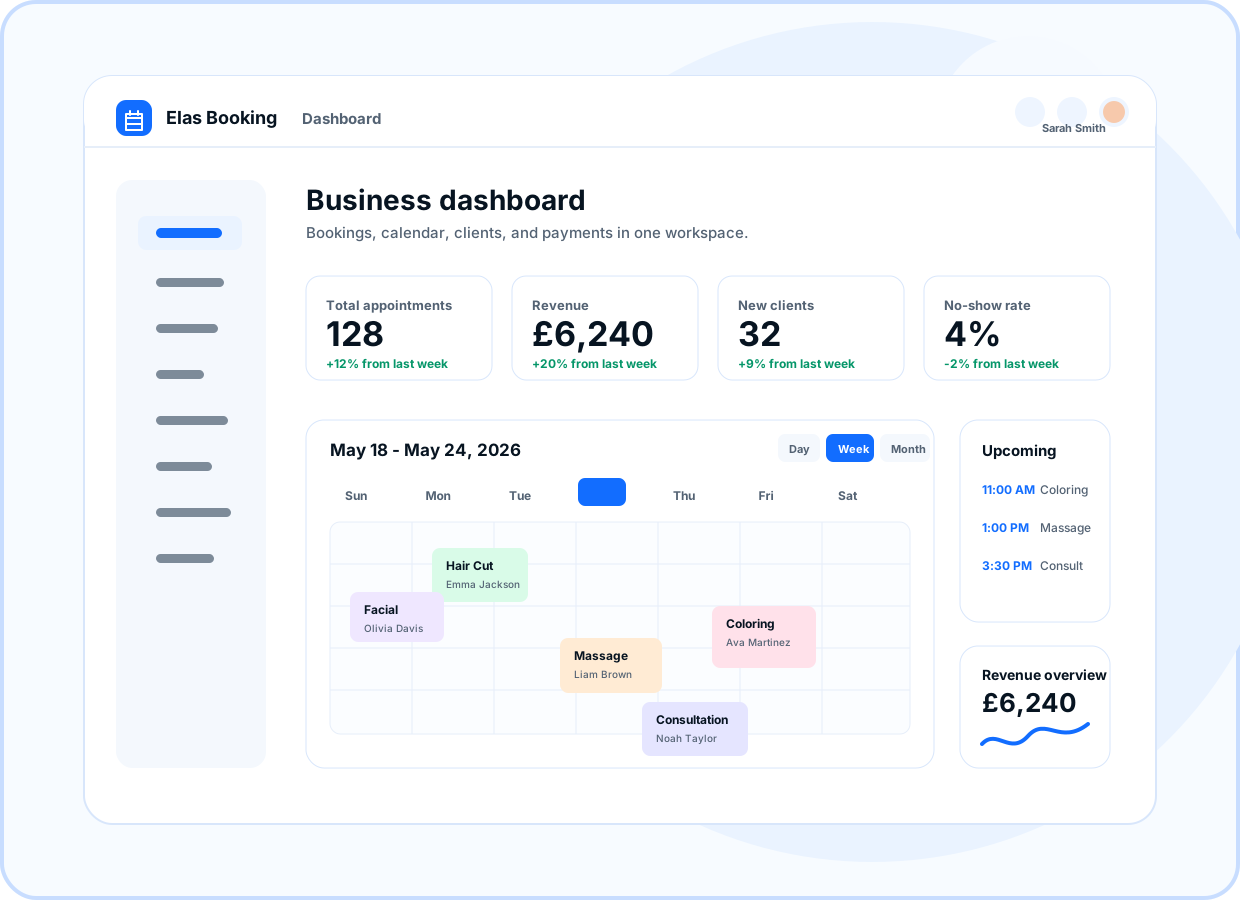
Preview how this feature connects the public booking page, owner dashboard, and client workflow.
- Contact details
- Preferences
- Client notes
- Upcoming bookings
At a glance
- Use for
- Repeat appointments, client history, preferences, notes, and follow-up.
- Client value
- Clients receive clear confirmations and can access relevant booking information.
- Owner value
- Owners can find client context without digging through email threads.
Client profiles
Store client names, contact details, preferences, and notes alongside booking activity.
- Contact details
- Preferences
- Client notes
Booking history
Review upcoming and past bookings so your team understands the client relationship before each visit.
- Upcoming bookings
- Past bookings
- Status history
Portal-ready communication
Clients can receive secure links and branded emails tied to the business portal experience.
- Secure links
- Branded emails
- Client portal
Cleaner operations
Keep client context near scheduling, payment, and service workflows so daily admin stays organized.
- Booking context
- Payment context
- Team visibility
Ready to move forward?
Create a live booking page in minutes with no card required, then adjust services, branding, domains, and payments as the business grows.