Feature
Online booking pages for service businesses
Create a live booking page in minutes, no card required, where clients can choose services, times, forms, payment options, and confirmation details.
Product walkthrough
A practical workflow, not a standalone setting
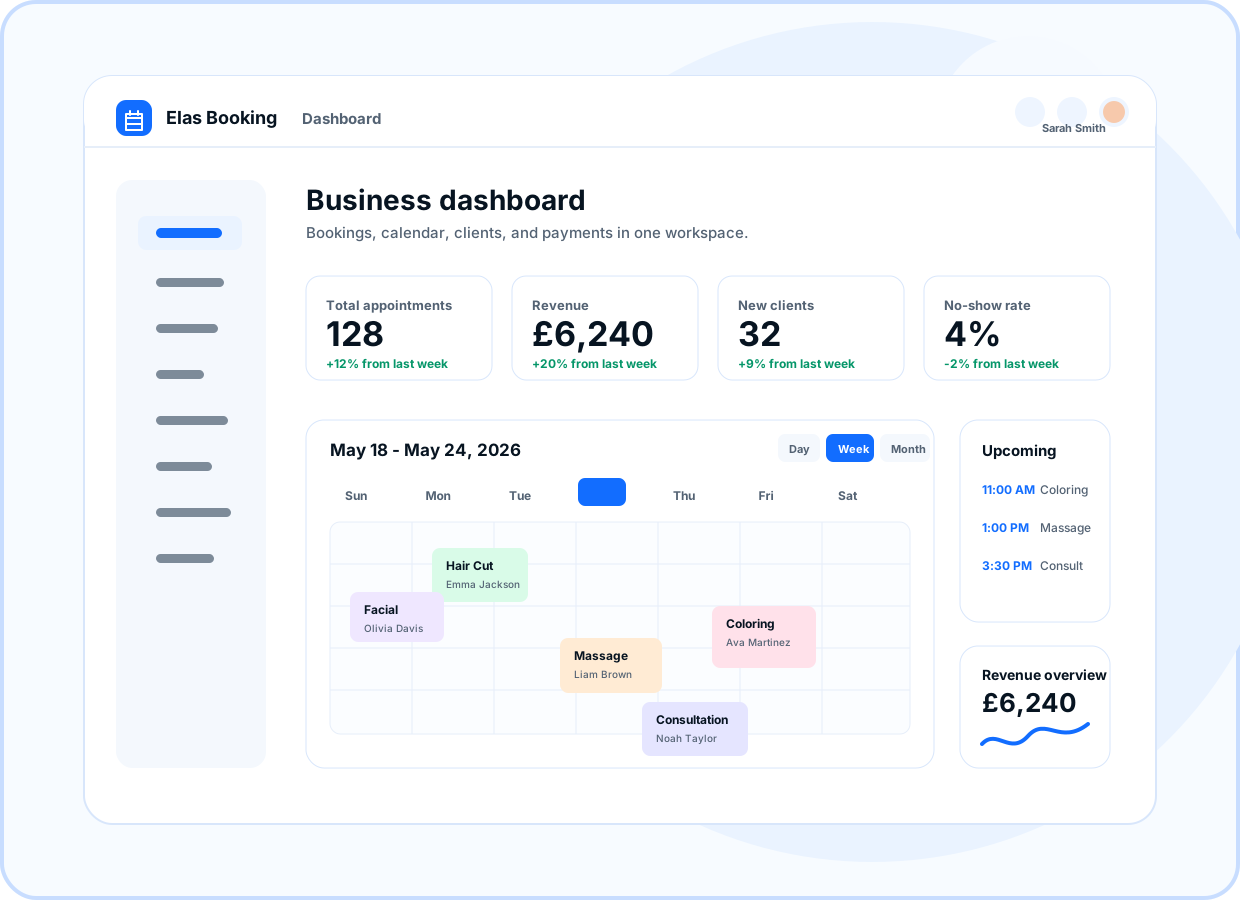
Preview how this feature connects the public booking page, owner dashboard, and client workflow.
- Service categories
- Prices and duration
- Deposit-ready services
- Availability checks
At a glance
- Use for
- Appointments, classes, mobile services, consultations, and capacity-based bookings.
- Client value
- Clients can book without calling, messaging, or waiting for manual confirmation.
- Owner value
- Owners control services, branding, forms, payments, and booking rules.
Service selection that explains the offer
Show service names, categories, descriptions, duration, price, deposits, and add-ons before clients choose a time.
- Service categories
- Prices and duration
- Deposit-ready services
Only valid times appear
Available times are shaped by service duration, staff availability, capacity, buffers, and booking rules.
- Availability checks
- Staff-aware slots
- Capacity controls
Collect the right details
Ask for required contact details, notes, addresses, and custom intake questions before a booking is submitted.
- Custom forms
- Address collection
- Client notes
Match the business brand
Use logo, colors, public page copy, default Elas Booking URLs, and branded confirmations for a professional client experience while customer-owned domains remain launch-gated.
- Brand controls
- Default Elas Booking URL first
- Branded confirmations
Ready to move forward?
Create a live booking page in minutes with no card required, then adjust services, branding, domains, and payments as the business grows.