Feature
Payments, deposits, and manual payment instructions
Let businesses choose Stripe card payments, deposits, manual payment notes, invoices, or pay-on-arrival workflows.
Product walkthrough
A practical workflow, not a standalone setting
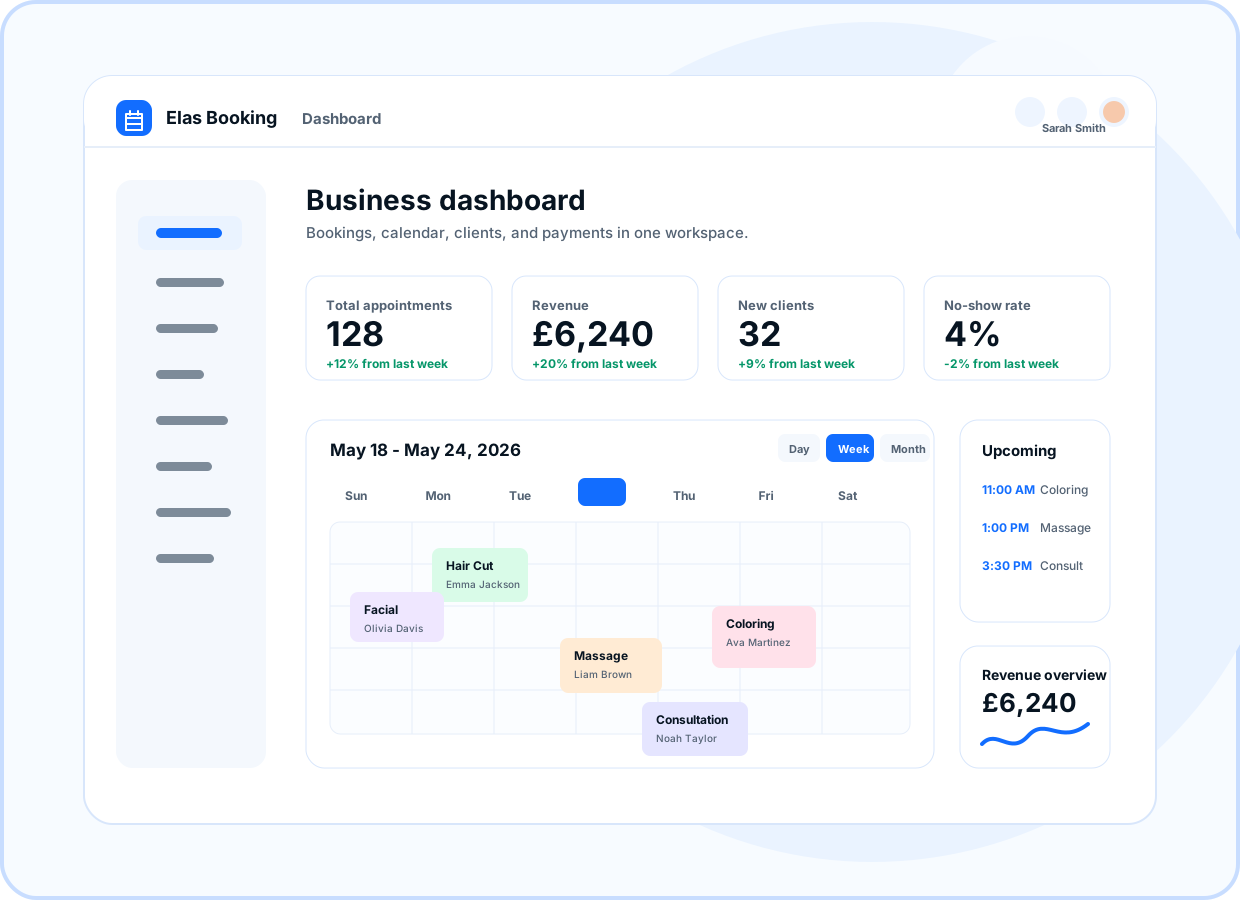
Preview how this feature connects the public booking page, owner dashboard, and client workflow.
- Stripe Connect
- Card payments
- Provider setup status
- Service-level deposits
At a glance
- Use for
- Deposits, online card payments, bank transfer, invoice, cash, and pay-on-arrival.
- Client value
- Clients understand what is due before they submit a booking.
- Owner value
- Owners can separate platform billing from client payment collection.
Browse by topic
Stripe Connect for client payments
Businesses can connect Stripe for online card payments while controlling their own client payment setup.
- Stripe Connect
- Card payments
- Provider setup status
Deposits for higher-value services
Require deposits for selected services and keep the deposit amount visible in the booking flow.
- Service-level deposits
- Deposit amount display
- Payment readiness checks
Manual payment instructions
Show clear instructions for bank transfer, cash, invoice, external payment, or pay-on-arrival workflows.
- Bank transfer notes
- Invoice guidance
- Pay-on-arrival copy
Clear pricing in the booking flow
Show service prices, add-ons, deposits, and payment notes where clients need them before confirming.
- Public price controls
- Add-on prices
- Payment notes
Ready to move forward?
Create a live booking page in minutes with no card required, then adjust services, branding, domains, and payments as the business grows.