Feature
Booking reminders and branded confirmations
Send clear booking confirmations and reminder-ready communication so clients know when, where, and how to attend.
Product walkthrough
A practical workflow, not a standalone setting
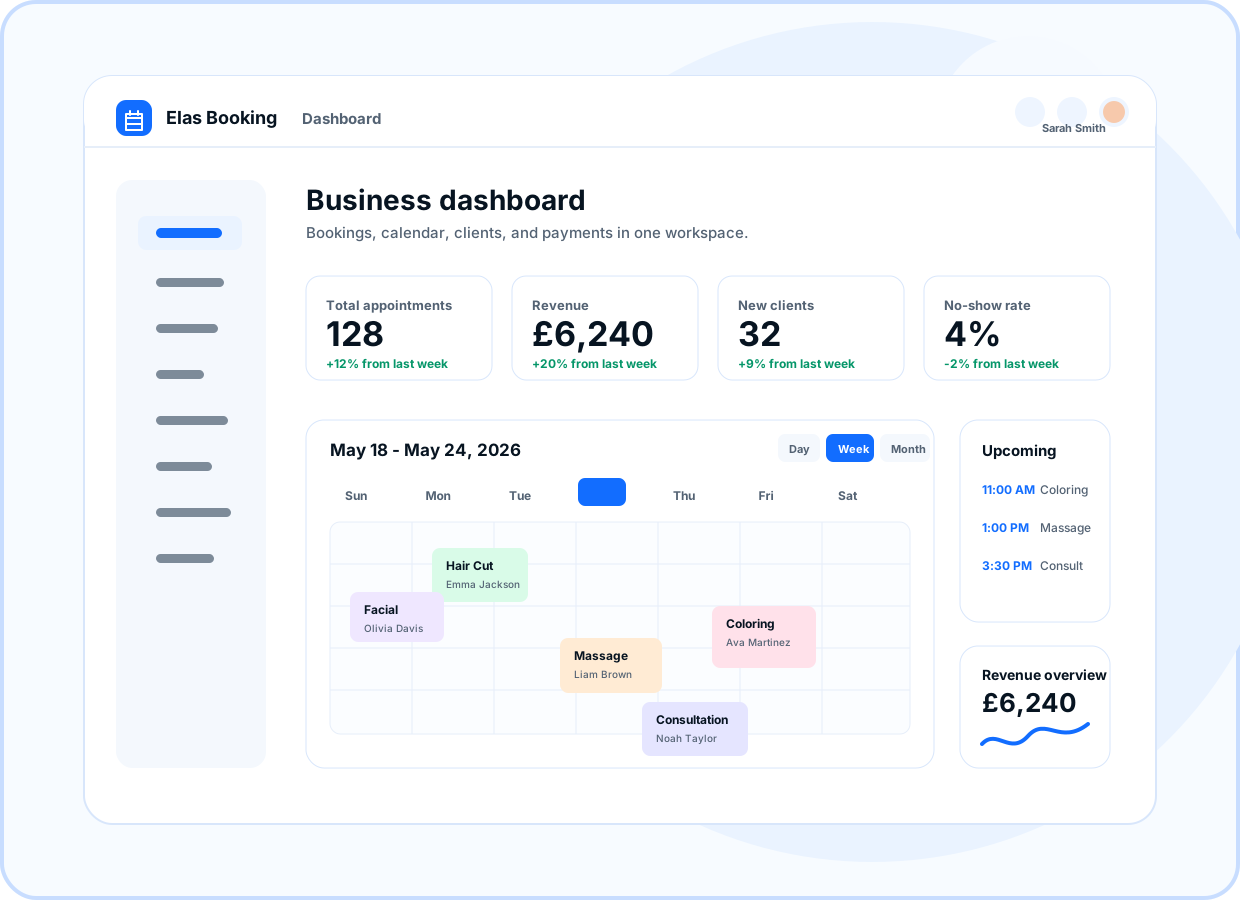
Preview how this feature connects the public booking page, owner dashboard, and client workflow.
- Booking details
- Service and time
- Business contact details
- Upcoming booking reminders
At a glance
- Use for
- Appointment confirmations, reminder workflows, branded emails, and client updates.
- Client value
- Clients receive the details they need without asking again.
- Owner value
- Owners can reduce missed appointments and repetitive admin messages.
Browse by topic
Confirmation after booking
Send clients a clear message after a booking request is received or confirmed.
- Booking details
- Service and time
- Business contact details
Reminder-ready workflows
Use reminder settings to help clients remember upcoming appointments and reduce avoidable no-shows.
- Upcoming booking reminders
- Client-friendly timing
- Operational consistency
Branded communication
Make email and portal experiences feel connected to the business with consistent names, colors, and content.
- Business name
- Brand colors
- Portal style
Client portal continuity
Let clients access relevant booking information through a secure business portal when enabled.
- Client access
- Booking details
- Secure links
Ready to move forward?
Create a live booking page in minutes with no card required, then adjust services, branding, domains, and payments as the business grows.