Feature
Staff scheduling for bookable teams
Keep staff availability, assigned services, client-facing slots, and operational calendars aligned as the business grows.
Product walkthrough
A practical workflow, not a standalone setting
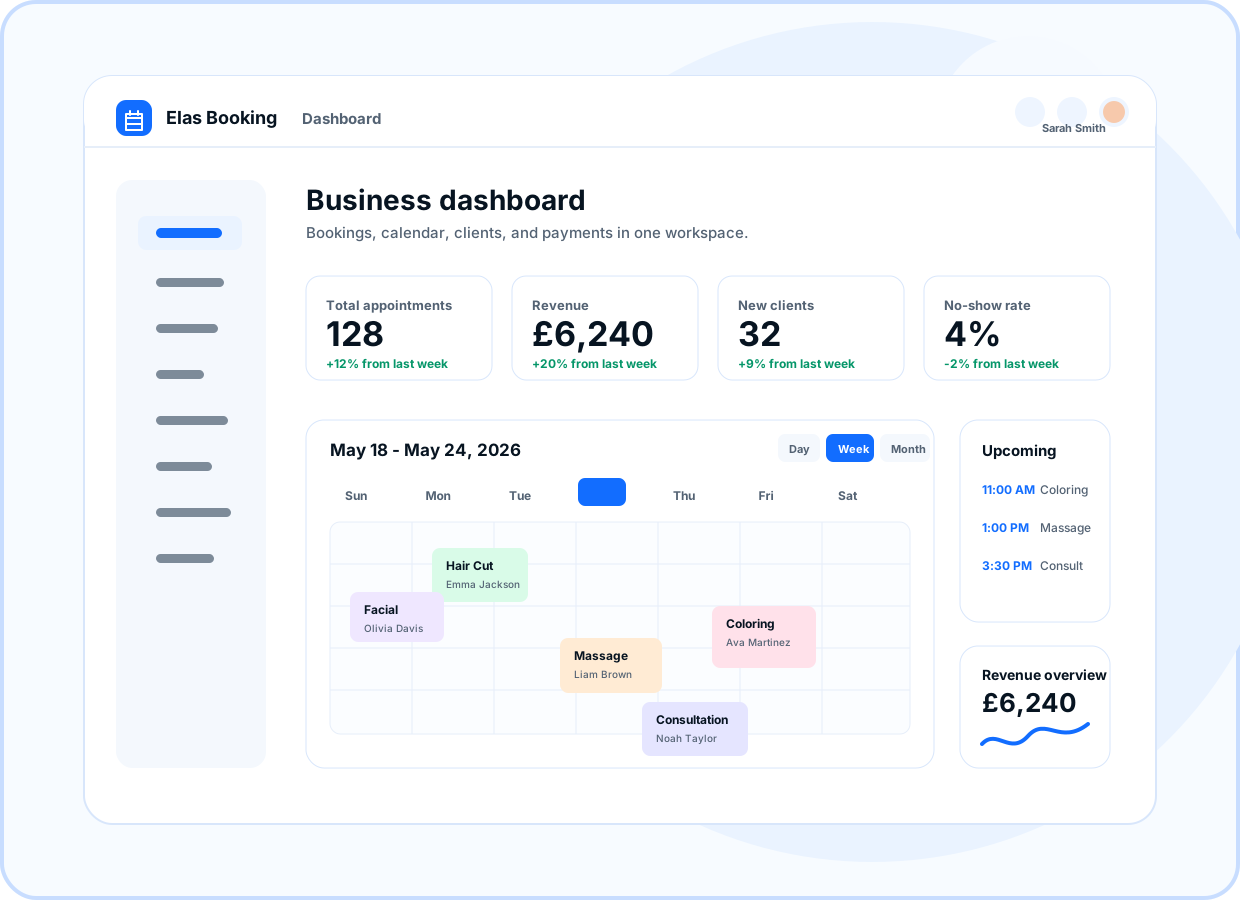
Preview how this feature connects the public booking page, owner dashboard, and client workflow.
- Staff calendars
- Bookable profiles
- Working-hour rules
- Service assignment
At a glance
- Use for
- Teams with specialists, rotating availability, locations, classes, and mobile work.
- Client value
- Clients only see times that can actually be booked.
- Owner value
- Owners can manage staff assignments, buffers, and workload from one workspace.
Browse by topic
Availability by staff member
Set the working times that shape client-facing booking slots for each person who can deliver a service.
- Staff calendars
- Bookable profiles
- Working-hour rules
Assign services to the right people
Control which staff can perform each service so clients do not book a service with the wrong person.
- Service assignment
- Specialist teams
- Client staff choice
Buffers protect real work
Add time for travel, cleanup, preparation, and reset so staff schedules stay practical.
- Buffer before
- Buffer after
- Travel-aware workflows
Calendar visibility
Use operational calendar and agenda views to see upcoming bookings, staff workload, and next actions.
- Daily agenda
- Calendar views
- Booking summaries
Ready to move forward?
Create a live booking page in minutes with no card required, then adjust services, branding, domains, and payments as the business grows.